
.svg)
.svg)

Remote work freed us from cubicles, but it created a new headache: capturing uniform, professional headshots when teammates span time zones. Studio trips stall onboarding and bleed budgets, while DIY selfies clash on an About page. Today, virtual and AI-powered platforms deliver billboard-sharp portraits for under $50 per person—no flights required.
We compared pricing, SOC 2 credentials, turnaround speed, and real-user feedback to spotlight five providers that balance cost, realism, and scale. Ready to choose the right tool? Here’s what we learned.
AI Headshots: the studio that built its own model
Most AI headshot tools were built by software teams. AI Headshots was built by a photo studio - Studio Pod in Houston, which has shot more than 10,000 real professionals under controlled lighting before any of it became code.
Upload 10 to 20 casual phone selfies on your way into a meeting and the finished pack is usually waiting when you come out. Most orders land in under 25 minutes, with about 30 quoted and up to an hour at peak. Varied angles and lighting are all the input needs.
AI Headshots style packs and the team admin dashboard
Packs run 30, 50, or 70 finished images across three, five, or seven style looks, each with an outfit change and up to four backgrounds. Every pack carries a full commercial license, so marketing can put the same portrait on the website, a press release, and a conference badge without going back to check the terms.
Pricing is flat and per pack: $29 for Basic, $39 for Professional, $59 for Executive. Teams start at $29 per user with a five-seat minimum and an admin dashboard, so one person orders, tracks, and collects for the whole group instead of chasing forty individual receipts. There is an API as well, which matters if you would rather headshots happen inside onboarding than as a separate project.
Because the model was tuned against real studio lighting rather than scraped web photos, skin keeps its texture and the fine detail around hands and glasses holds at full size. The trade-off is billing. You pay before you see anything. A 14-day refund and free regeneration cover a bad first pack, but there is no preview-first option.
That suits companies weighing how the photos hold up on a careers page against the comfort of approving each frame before payment. Under five people, the individual packs do the same job at the same price.
How to choose the right headshot service for remote teams
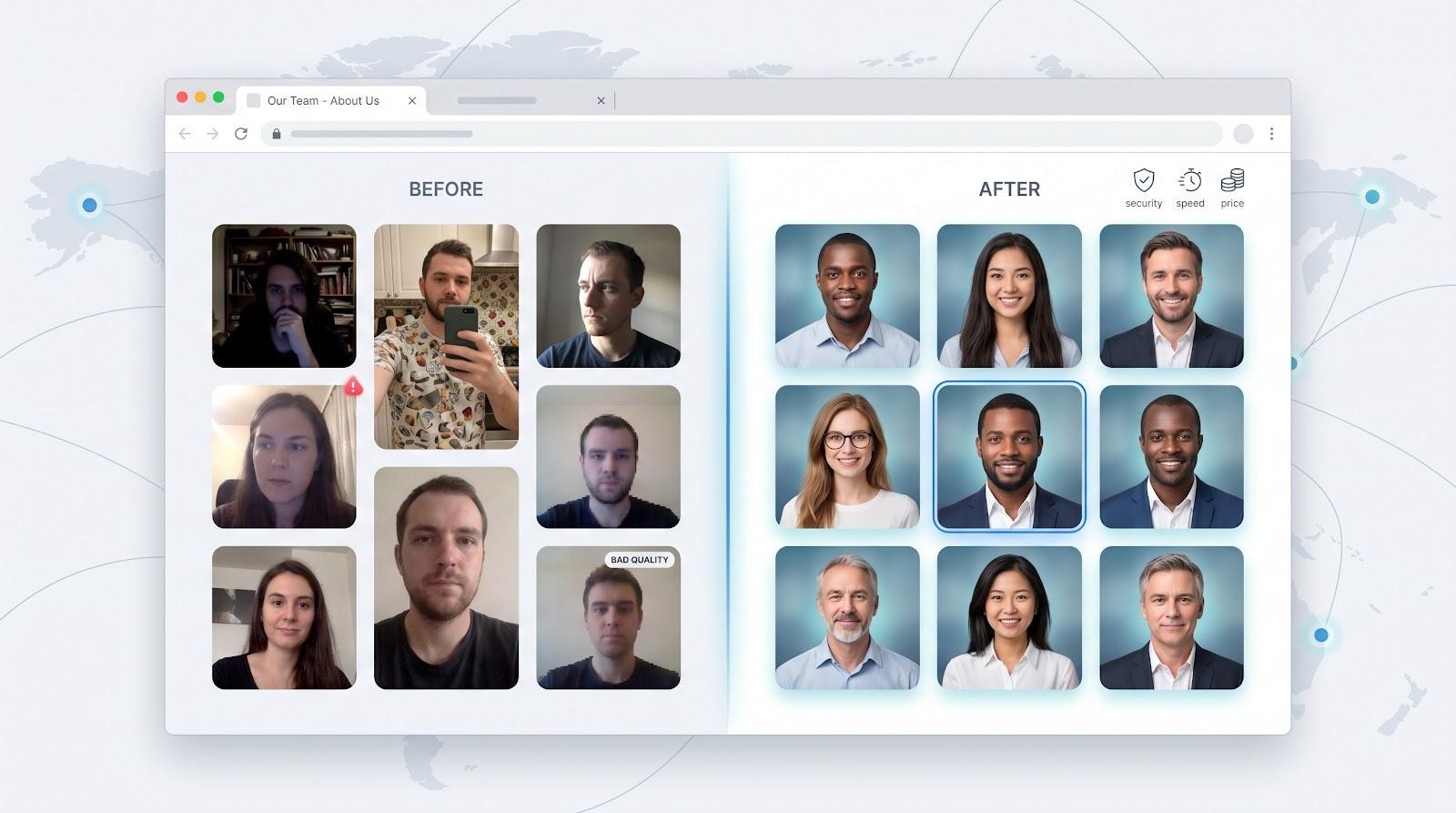
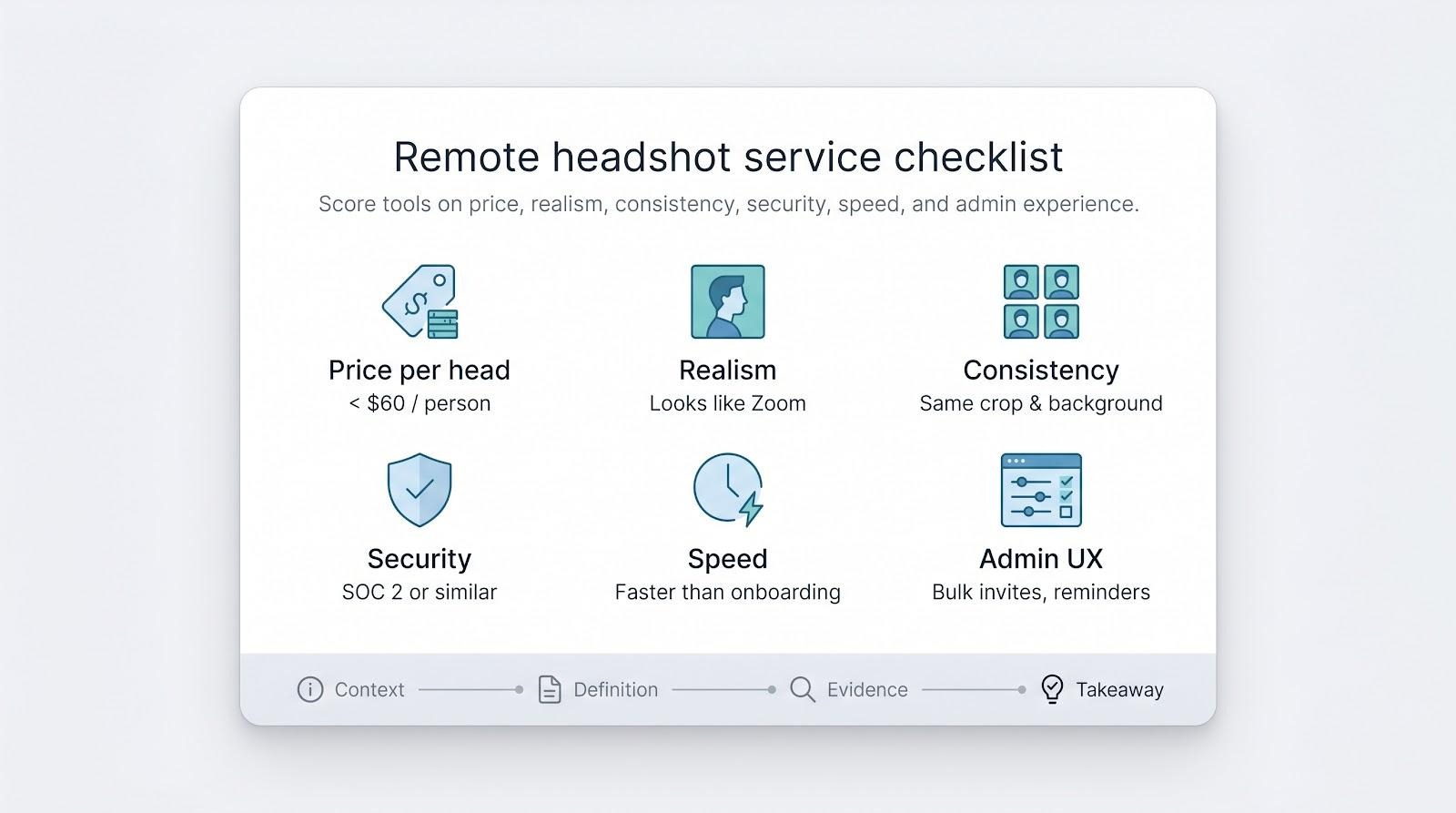
Before we rank the contenders, we need a shared yardstick. Otherwise, judging slick marketing claims is like rating coffee by the logo on the cup.
First, price. Remote teams scale fast, so every extra dollar per employee adds up. We look for services under about $60 a head—often less at volume—and expect most of that spend to turn into usable photos, not throw-aways.
Next, realism. A headshot has one job: look like the person on the next Zoom call. We check for natural skin texture, true-to-life proportions, and resolution sharp enough for a billboard, usually 2K or better.
Consistency matters just as much. When an About page shows twenty backgrounds in twenty hues, prospects notice. The best tools let us lock colors, crops, and poses so every employee appears to share the same studio, even when selfies come from three continents.
Security is no longer optional. Clients ask who touches the data, how long it lives, and whether the vendor passed a third-party audit. A documented standard such as SOC 2 earns quick trust.
Speed keeps projects moving. AI engines often deliver in minutes; human editors need a day or two. We prefer platforms that beat a standard onboarding cycle so a new hire can update LinkedIn before their first team meeting.
Finally, experience. Admin dashboards should feel like modern SaaS, not 1990s FTP. Bulk invites, auto-reminders, and clear licensing terms save you from herding screenshots in Slack.
Behind each criterion sits a four-step evaluation pattern: context, definition, deeper evidence, and a practical takeaway. We apply it to every platform so you can skim, compare, and decide with confidence.
1. InstaHeadshots for teams: preview first, pay later
Before you even hit upload, InstaHeadshots for Teams has already created more than 20 million professional headshots for remote teams, and its pay-after-approval policy means finance never foots the bill for unusable images.
Upload ten casual selfies during a coffee break, grab another espresso, and by the time you return the platform has produced a gallery of polished, studio-ready portraits. With InstaHeadshots that flow is routine, not hype.
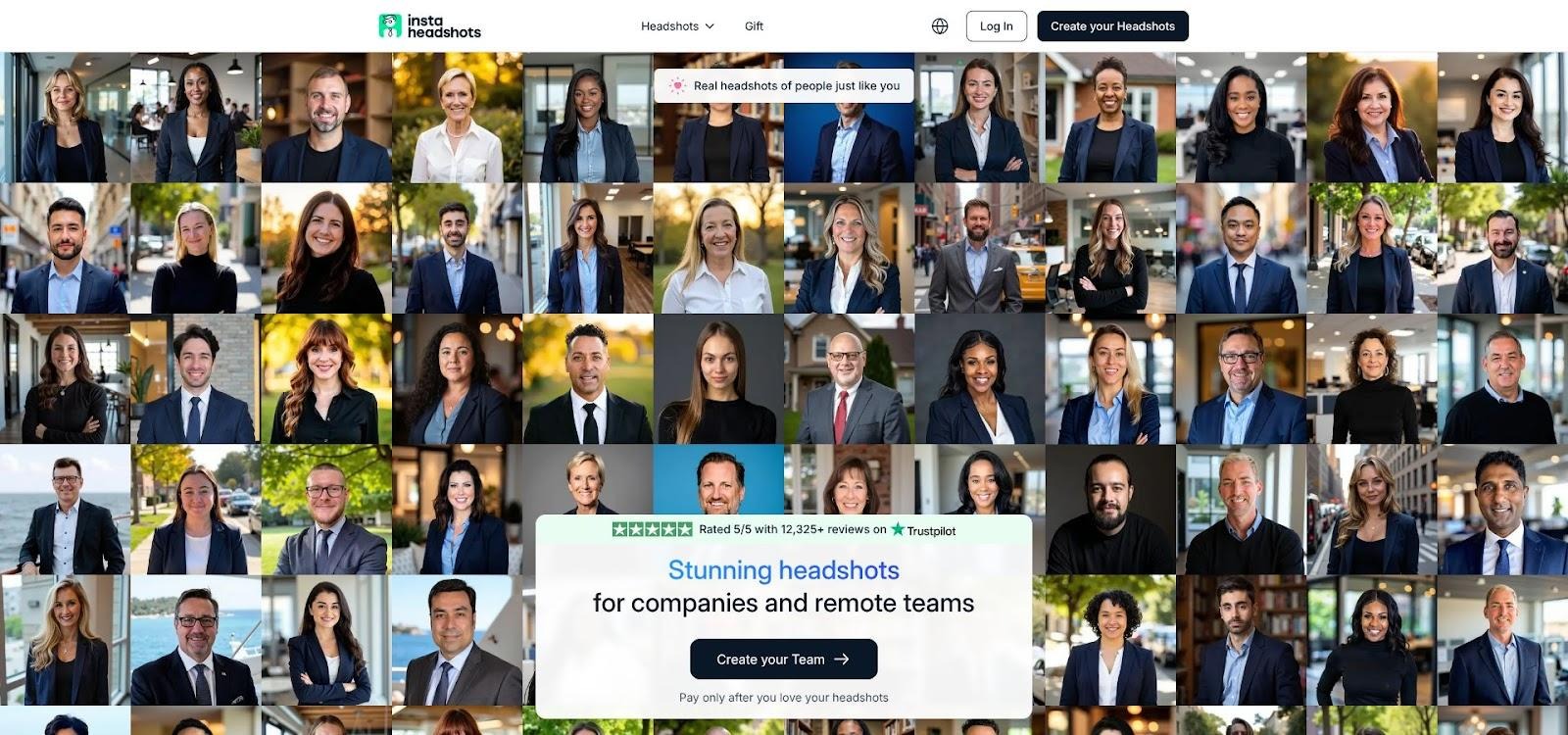
InstaHeadshots for Teams gallery and pay-after-approval interface
The service delivers about forty variations per employee in ninety minutes. More importantly, you see every image before paying. That see-first policy removes budget risk and calms finance teams worried that AI portraits might look plastic. Employees mark the versions they like, and the company pays only for those finals.
Pricing stays predictable. A single user costs about $49, while volume cuts drop the figure to the low forties. Input is dead simple: eight to twelve well-lit selfies. The model handles backdrops, outfits, and poses until it finds a keeper. Because the system produces many looks, teams often choose one photo for LinkedIn, another for Slack, and a third for press releases without extra fees.
Quality holds up under zoom. Facial proportions stay realistic, skin retains texture, and resolution tops 2K. The trade-off is consistency: each batch includes many background colors, so marketing should agree on one style and share that choice company-wide.
Speed, no-risk billing, and high volume make InstaHeadshots a smart first stop for small to midsize teams that need professional photos fast but refuse to gamble on AI sight unseen. It sets a high bar the rest of the list must clear.
2. HeadshotPro: built to wrangle big teams at startup speed
If InstaHeadshots is the quick option, HeadshotPro is the seasoned project manager that keeps large rollouts on track. The platform’s dashboard feels like modern HR software: upload a CSV of work emails, press invite, and watch completion bars climb as employees submit selfies.
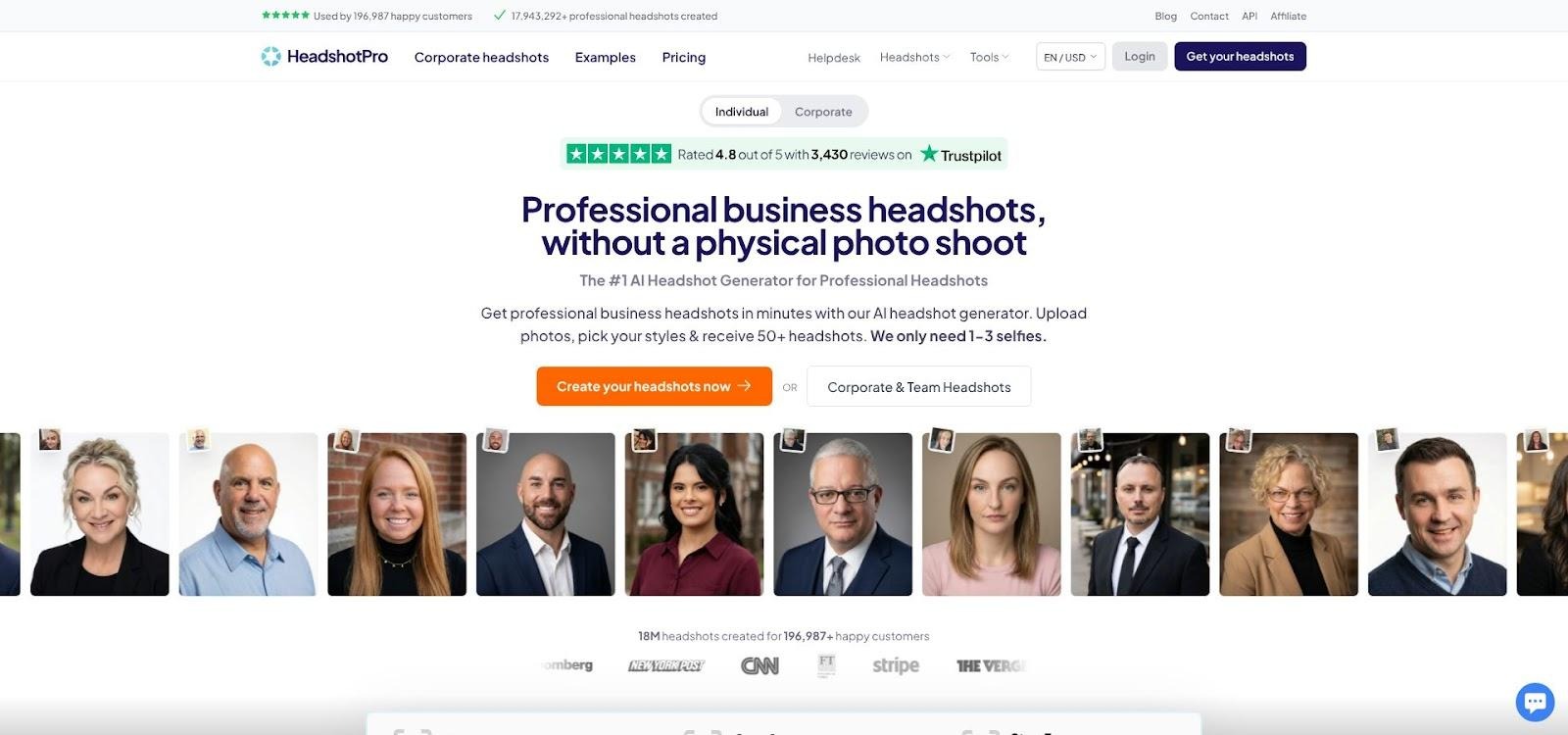
HeadshotPro team dashboard and CSV invite workflow screenshot
Turnaround stays brisk. Most users receive dozens of AI portraits within two hours, even when hundreds of teammates join the queue. That pace matters when a rebrand is days away and leadership wants uniform photos across Slack, Outlook, and the investor deck.
Cost efficiency scales with headcount. Entry pricing starts at $29 per person, and volume discounts rise to 50 percent for enterprise orders. In practice, a company with 50 employees pays about $23 each, less than a catered lunch in most cities.
Quality sits comfortably above the AI uncanny valley. Skin texture looks human, lighting mimics a softbox, and built-in face-selection logic highlights the sharpest frames so no one scrolls through filler shots. A LinkedIn preview lets marketing confirm the crop before clicking download.
Consistency takes a bit of planning. HeadshotPro offers preset backgrounds such as office, brick, or gradient, but the admin must lock one choice before invites go out. Doing so avoids the patchwork effect that plagues DIY attempts.
Support rounds out the package. A 14-day money-back guarantee eases purchase anxiety, and live chat replies quickly when an upload stalls. Coupled with secure cloud processing and a roadmap toward full SOC compliance, HeadshotPro shows you don’t need to trade enterprise polish for AI speed.
For fast-growing companies that onboard new hires weekly and dislike herding photographers city by city, HeadshotPro delivers headshots at startup velocity without sacrificing corporate control.
3. Aragon AI: enterprise realism with compliance baked in
Sometimes the stakes rise above pretty pictures. When legal or finance teams want proof that vendors guard data as tightly as you do, Aragon AI stands out. It is the only headshot service with a completed SOC 2 Type II report, and that single document clears more procurement hurdles than any demo.
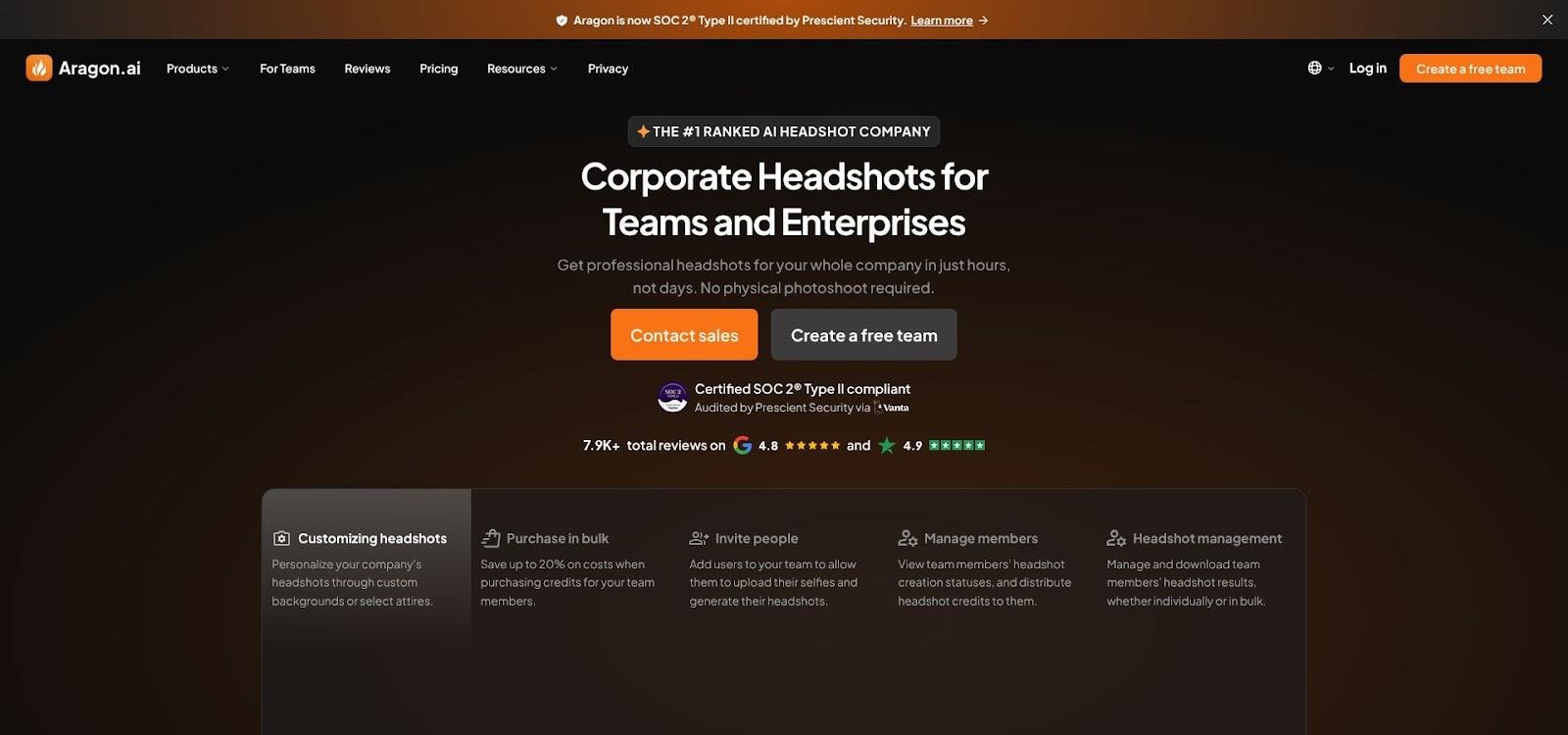
Aragon AI enterprise headshots page with SOC 2 Type II compliance
Security does not compromise image quality. Aragon trains on a larger set of photos per user, so faces look convincingly human rather than mannequin smooth. Reviews call the output “indistinguishable from a real shoot,” and sample galleries back that up. Skin tones stay accurate across diverse teams, and the model avoids “westernising” Asian or Black features that trip up less tuned systems.
Admins like the granular control panel. You can lock a neutral grey backdrop, set business-casual attire, and trust every gallery to follow the spec. Need tweaks? The built-in Remix tool changes suit color or swaps a background on a single image without regenerating the set, saving credits and time.
Pricing sits higher than pure-play AI rivals at about $35 per person before bulk cuts, but most enterprise buyers treat the difference as an insurance premium for compliance and likeness accuracy. Turnaround is swift, usually under an hour even for large batches, and support replies in minutes, not days.
If your brand operates in a regulated space or refuses to gamble with staff data, Aragon AI offers studio realism, airtight governance, and enough style control to satisfy the pickiest design team while keeping travel costs at zero.
4. Snapbar: real photos, instant polish, zero AI guesswork
Some leaders like AI efficiency but dislike synthetic faces on the company site. Snapbar eases that tension by keeping the camera honest. Each employee takes a guided selfie in a browser window; the software cleans shadows, sharpens focus, and swaps the background to your brand-approved color. No face generation means no “that doesn’t look like me” moments on Zoom.
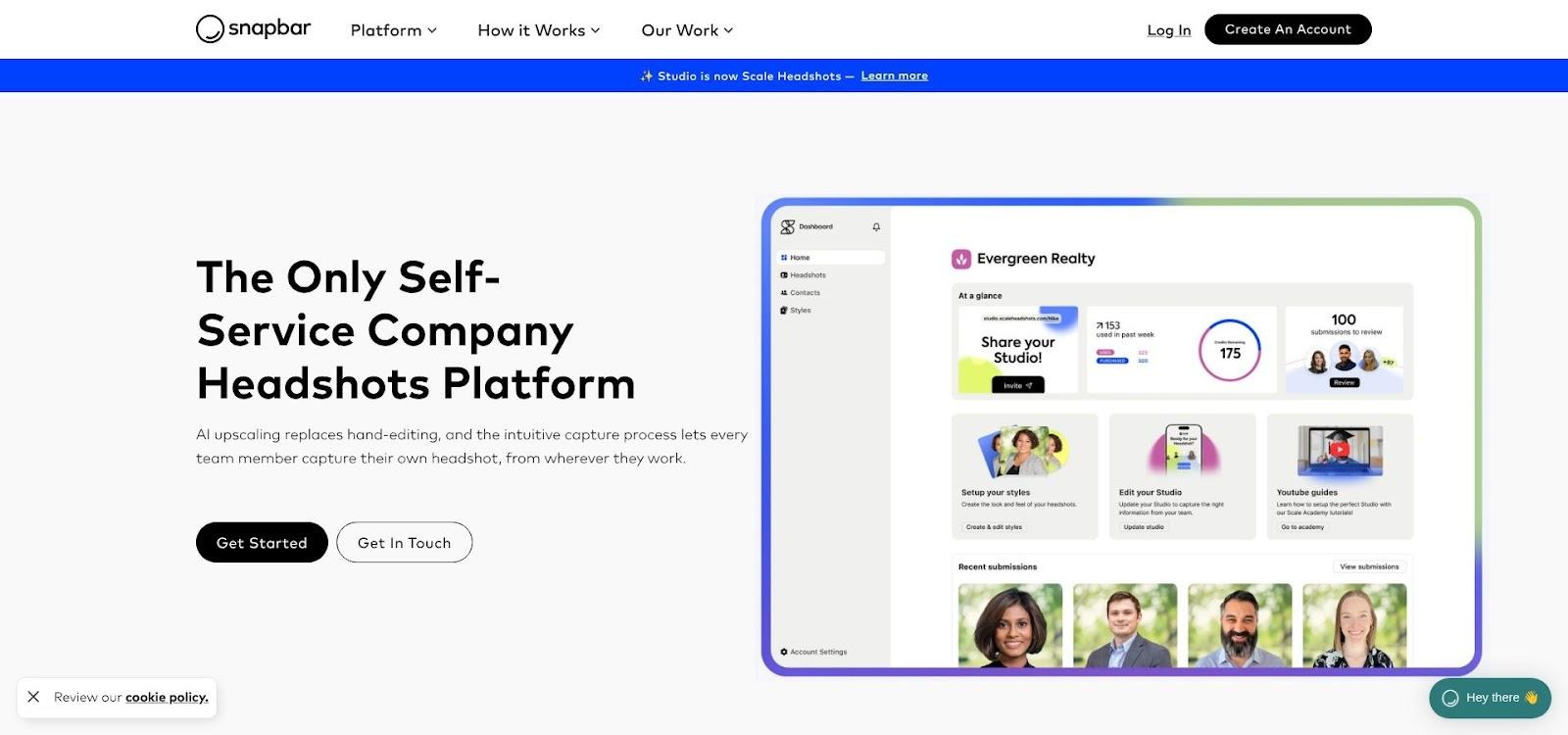
Snapbar virtual headshot Studio guided selfie interface
Setup feels as simple as launching a survey. An admin spins up a branded Studio portal, chooses crop ratios, background color, and an optional logo overlay, then emails a link. Teammates open it on any phone or laptop, follow a short framing tutorial, and snap until satisfied. The best frame gets auto-retouched and lands in a shared folder seconds later.
Because every image starts as a real photo, skin texture, jewelry, and hair stay authentic. Marketing teams praise the uniform look: the same lens angle, crop, and backdrop across the org without flying a photographer to six countries. At $25 per person, costs stay predictable; one credit equals one gallery, and unused credits never expire.
Volume is the trade-off. Snapbar delivers a focused set of variations per person, not hundreds of experimental styles. If you need multiple outfits or bold creative looks, an AI tool may serve that niche better. For companies that value authenticity, brand control, and a process staff can finish in under five minutes, Snapbar offers the quickest route from selfie to studio-grade consistency.
Frequently asked questions about remote headshot services
Conclusion
We compared pricing, SOC 2 credentials, turnaround speed, and real-user feedback to spotlight five providers that balance cost, realism, and scale.

%20(2).png)
%20(1).png)
.png)
.svg)


.png)
.png)


.png)


