
.svg)
.svg)

The "remote work experiment" that started a few years ago isn't an experiment anymore; it is just how we live. Whether you are currently staring at a mountain range in Patagonia, tucked into a corner of a bustling coffee shop in Berlin, or just working from your kitchen table because the office is now a cloud server, the boundaries have completely dissolved.
But as we settle into this permanent state of digital nomadism, the cracks in our security are starting to show. The hackers haven't gone away; they have just upgraded their toolkits with AI and automated scripts. The old advice of "don't click suspicious links" feels quaint now. Protecting yourself in 2026 requires a bit more strategy, but don't worry, it doesn't require a degree in cybersecurity—it just takes a shift in habits.
If you want to keep your data safe and your employer happy while you roam the globe, you can learn more in this article about how to lock down your digital life without ruining the vibe of your travels.
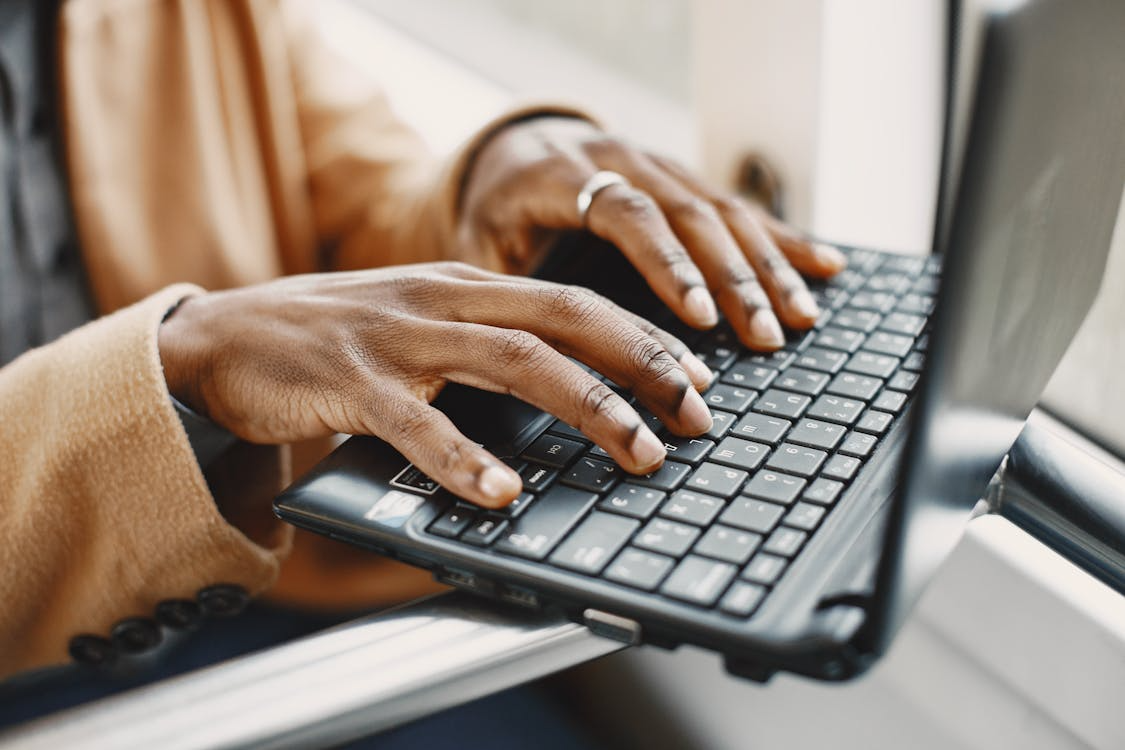
https://images.pexels.com/photos/6699525/pexels-photo-6699525.jpeg
Stop Triggering Security Bots with Your Location
One of the most annoying parts of working remotely in 2026 won't be the lack of good coffee; it'll be the automated security flags. You know the drill. You log in from a train station in London, and an hour later, you try to check your email from a café, and suddenly your account is locked. Corporate security systems have become incredibly strict about "impossible travel", i.e., logging in from two distant places in a short time.
This is where getting a dedicated-IP VPN solves a massive headache. Most VPNs toss you into a pool with thousands of other users sharing the same IP address. That’s fine for streaming, but it looks suspicious to a bank or a secure corporate network. A dedicated IP is yours alone. It stays the same whether you are in Tokyo or Toronto.
By using a static IP, you can ask your IT department to "whitelist" that specific address. Your VPN address stays consistent, but normal login and security checks still apply; it isn't proof that you are safe or a guarantee of access. CyberGhost uses a token system where the IP isn't actually linked to your VPN account, so you get the stability of a static address kept separate from that account. It’s the closest thing to having a digital home base while you live out of a suitcase.
The "Evil Twin" Wi-Fi Scam is Everywhere
We all love free Wi-Fi. It feels like a small victory when you find an open network at the airport or a hotel lobby. But in 2026, connecting to open networks is risky business. A favorite trick for cybercriminals right now is the "Evil Twin" attack.
Here is how it plays out: You sit down at a coffee shop called "The Daily Grind." You open your Wi-Fi settings and see a network called "Daily_Grind_Guest." You click it. It works. But the guy sitting three tables away set up that network using a pineapple router in his backpack. He could capture traffic passing through his network, but that doesn't mean he can read content protected by correctly configured HTTPS.
Unless you are 100% sure which network is the official one, stay off it. Ask the barista for the exact network name. If you see two that look similar, don't guess. If mobile data is available and suitable, consider tethering to your phone using an employer-approved connection instead.
Kill the Password, Long Live the Key
If you are still typing out a password that includes your dog’s name and the year you graduated, you are walking on thin ice. We have reached a point where traditional passwords just aren't enough. Phishing kits can trick you into typing them into fake sites, and keyloggers can snatch them as you type.
The fix is stronger sign-in. In 2026, you should be using passkeys or physical security keys (like a YubiKey). Passkeys are credentials that may be synced across your devices or bound to one device; a compatible YubiKey is an external hardware option for device-bound passkeys. They offer phishing-resistant sign-in, not a guarantee against account compromise through other access or recovery routes.
Biometrics can locally unlock a device or passkey on supported devices. Face ID is an example on supported iPhone and iPad Pro devices. This can reduce credential typing in public where cameras or prying eyes might be watching, but isn't a replacement for account-security policy. Follow your employer's supported sign-in and enrollment method and safeguard the recovery route.
Your Screen is a Billboard, so Cover It Up
We spend so much time worrying about digital hackers that we forget about regular human snoops. "Visual hacking" is a fancy term for someone reading your screen over your shoulder. It happens constantly on planes, trains, and in co-working spaces.
Smartphone cameras now have incredible zoom capabilities. Someone sitting two rows back on the train could easily record you typing a sensitive email or entering a pin code. The solution is low-tech and cheap: a privacy screen filter.
These are thin sheets of plastic that adhere to your laptop screen. They narrow the viewing angle, reducing visibility from off-angle positions. People within the filter's usable viewing range may still see the screen. It’s a small investment that can reduce exposure to the stranger in seat 14B, not prevent every client-data leak.
Treat Every Network Like a Hostile Zone
There is a concept in cybersecurity called "Zero Trust." It sounds paranoid, but it’s actually just practical. It means you should never assume a network is safe just because it has a password or looks professional.
When you join a co-working space, you are joining a local network with dozens of strangers. If your computer is set to "discoverable," other people on that network might be able to see your device name or even access shared folders.
In Windows 11, use the Public network profile for shared networks to restrict discovery and file and printer sharing. If your employer manages these settings, ask IT rather than overriding policy. If you need to send a file to a colleague sitting across the table, don't use the local network. Use a secure cloud link or an encrypted transfer service approved by your employer. Assume the network is compromised and act accordingly.
The Airbnb Smart Home Risk
Booking a nice apartment for a month-long "workcation" is great, but smart homes are a security nightmare. That Airbnb you just checked into probably has a smart TV, a smart thermostat, and maybe a smart lock. All of these are connected to the same Wi-Fi router you are about to use.
You have no idea if the host updates the router's firmware. You don't know if the previous guest installed malware on the network. You don't know if the router has default admin credentials that anyone can guess.
When you stay in a rental, never log into your personal accounts (Netflix, banking, email) directly on the host's smart TV. Use your own streaming stick or HDMI cable. And for your work devices, follow your employer's remote-access requirements, using an approved VPN where required. A VPN protects data in transit within its encrypted tunnel; it doesn't eliminate every risk from the local network.
Encryption is Non-Negotiable
If you are sending sensitive work data over standard SMS or unencrypted email, you might as well be writing it on a postcard. Standard texts are easy to intercept.
Use your employer-approved communication method; encryption alone doesn't make an app suitable for work. Signal messages and calls, and WhatsApp personal messages and calls, use End-to-End Encryption (E2EE). E2EE means that the message is scrambled on your phone and only unscrambled on the recipient's phone. Not even the app company or the telecom provider can read it. It doesn't verify who controls the recipient's account or protect content on a compromised endpoint. For WhatsApp backups in iCloud or Google Drive, enable the separate end-to-end encrypted backup setting if permitted by your employer.
For files, don't just attach a sensitive PDF to an email and hit send. Use your employer-approved sharing method. If a password-protected PDF is appropriate, require a password to open it; a permissions password that restricts editing, copying or printing is different. Then, send the password via a separate trusted channel (like a Signal message, if approved for work). This is separate-channel password delivery, not identity verification or a guarantee against access after email compromise.
AI Phishing is the New Reality
Phishing emails used to be easy to spot. They had bad grammar, weird logos, and came from nonsense addresses. Those days are over. Generative AI has changed the game.
Hackers now use AI to scrape your LinkedIn, your company website, and your social media to build highly personalized profiles. They can write emails that sound exactly like your boss, using the same slang and tone. They can reference specific projects you are working on.
If you get an email asking for something urgent, like a wire transfer, a password change, or a sensitive document, stop. Do not click. Pick up the phone and call the person who supposedly sent it at a known number sourced independently of the request. You can also confirm through a previously confirmed trusted channel. A familiar-sounding voice isn't identity proof; AI-generated voices can sound nearly identical. Skepticism is your best defense.
Enjoy the Freedom, But Be Smart
Working from anywhere is incredible. It gives us the chance to see the world without sacrificing our careers. But that freedom relies on our ability to stay secure. If you get hacked, the digital nomad dream turns into a nightmare of frozen accounts and stolen identity.
You don't need to be paranoid, but you do need to be prepared. By using tools like a dedicated IP to maintain an approved, consistent VPN address, physically blocking screens, and treating every Wi-Fi network with suspicion, you build a wall around your digital life. Once that wall is up, you can go back to enjoying your coffee and the view, knowing you’ve got it covered.

%20(1).png)
%20(2).png)
%20(2).png)
.svg)


.png)
.png)


.png)


