
.svg)
.svg)

A new hire asks her manager how many vacation days she can carry into next year. The manager opens a Guru Card and quotes the answer with confidence. A week later, HR notices that the policy changed months ago, payroll has booked the wrong balance, and two people now trust the knowledge base a little less.
Search was not the problem here. The answer was easy to find. It was simply out of date. For HR and people teams, the real risk in any knowledge tool is stale content that still looks official.
This guide compares five platforms that help 100 to 1,000-person companies keep HR knowledge current, owned and properly permissioned.
Why HR and People Teams Move Off Guru
Guru's Card model works well for quick answers. Each Card can have a verifier and a verification interval, and Guru's Knowledge Agents can now verify and unverify content automatically based on usage signals and rules. Collection owners can also change verifiers and intervals for many Cards in a collection at once through the Card Manager.
The friction for HR shows up at scale. Policies on leave, accommodations, investigations and compensation are long, connected documents, not short cards. They need a clear document structure, an approval step before anything changes, and permissions that keep sensitive pages away from the wrong readers.
People also change roles. When a verifier leaves, review dates slip, and Cards that were once reliable become half true. Employees then stop trusting self-service and send their questions straight to HR. At that point, replacing Guru is a governance decision as much as a software one.
5 Better Options to Replace Guru Knowledge Management
Freshness, ownership and permissions decide whether a knowledge base protects HR's credibility or slowly erodes it. The five tools below are ranked on those three factors for mid-market companies.
# | Tool | Best for | How it keeps answers current |
|---|---|---|---|
1 | Slite | 100 to 1,000-person companies | Slite Agent detects documentation drift and proposes fixes; a human approves every change |
2 | Confluence | Atlassian-centered teams | Page owners and optional statuses, plus a content manager for bulk cleanup on Premium and Enterprise |
3 | Document360 | Formal policy publishing | Review reminders that mark overdue articles as Stale |
4 | Bloomfire | Community knowledge sharing | Curation timelines, review reminders and a Current badge |
5 | Microsoft SharePoint | Microsoft 365 workplaces | Version history and content approval for pages |
1. Slite: Best for Self-Maintaining HR Knowledge
Slite calls itself the self-maintaining knowledge base, and Slite Agent is the reason. The agent cross-checks Slite documents against each other and against Slack, Linear, GitHub, Intercom and 20+ other connected tools, detects where documentation has drifted from reality, and proposes the fix.
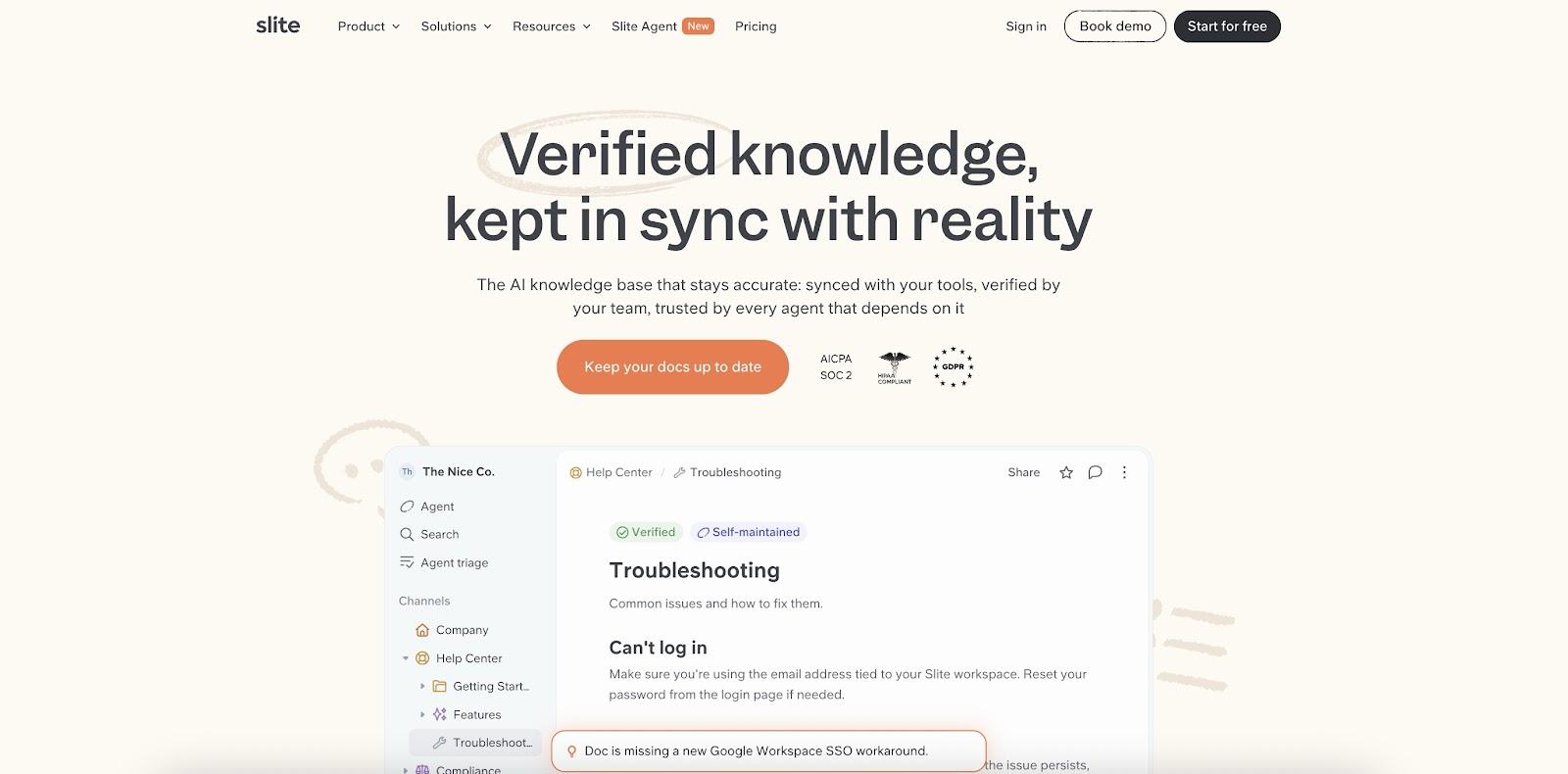
Control stays with people. Every proposed change lands in the Triage UI, where an owner approves or rejects it, so nothing is applied automatically. For HR, that means a changed leave rule gets caught and corrected, but only after the policy owner signs off.
Slite also keeps its own comparison of Guru alternatives up to date for teams weighing the switch, and the same verification model applies to an employee handbook.
Key safeguards for HR documents:
- Doc Verification on every plan, with named owners and review cycles for policies, onboarding guides and handbook pages
- AI Ask, which gives cited answers in Slite and in Slack and returns "no answer found" instead of guessing
- SOC 2 Type II, GDPR, EU hosting and SSO/SCIM, with HIPAA support for Enterprise customers
- MCP on all plans, so the same verified documents can serve as a knowledge base for AI agent use cases, not only for people
For an HR operations lead, the Knowledge Management Panel shows outdated documents, expired verifications and empty documents in one dashboard, so the review backlog is visible before employees find it.
The MCP point matters as companies add assistants, because an AI agent wiki is only as reliable as the documents behind it. Slite does have limits: there is no on-premise deployment and no Microsoft Teams connector.
2. Confluence: Best for Atlassian-Centered Teams
Teams that already work in Jira often choose Confluence because projects and documents then sit in one Atlassian account. An HR space can hold the handbook, onboarding checklists and policy pages, and templates speed up the first draft.
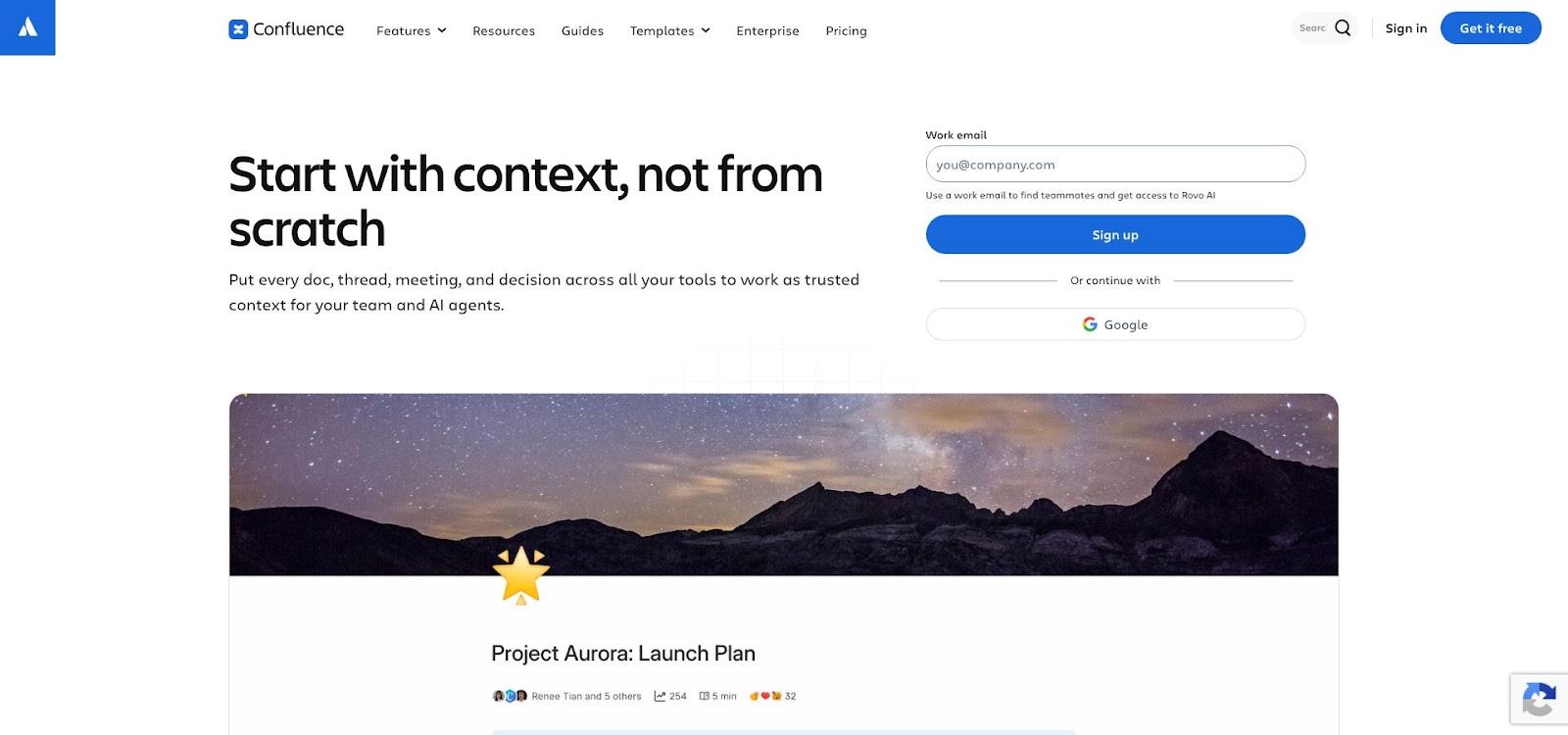
Each page has an owner and, where space admins allow it, a status. On Premium and Enterprise, space admins can use the content manager to find pages that have been inactive for months, filter by deactivated owners, reassign ownership in bulk and archive what is no longer needed. Archived pages stay viewable in the space archive and can be restored at any time, which helps when an old policy has to be checked during an investigation.
Trade-off: those cleanup tools are not on the Standard plan, and keeping pages current still depends on people running the reviews.
3. Document360: Best for Controlled Policy Publishing
Document360 suits HR teams that want a formal review discipline. Writers can set a review reminder on a single article or apply reminders in bulk, and admins can schedule them automatically for every published article. Teams can also create named reminders with a set frequency and assigned reviewers, then apply the same rule to future articles in a category.
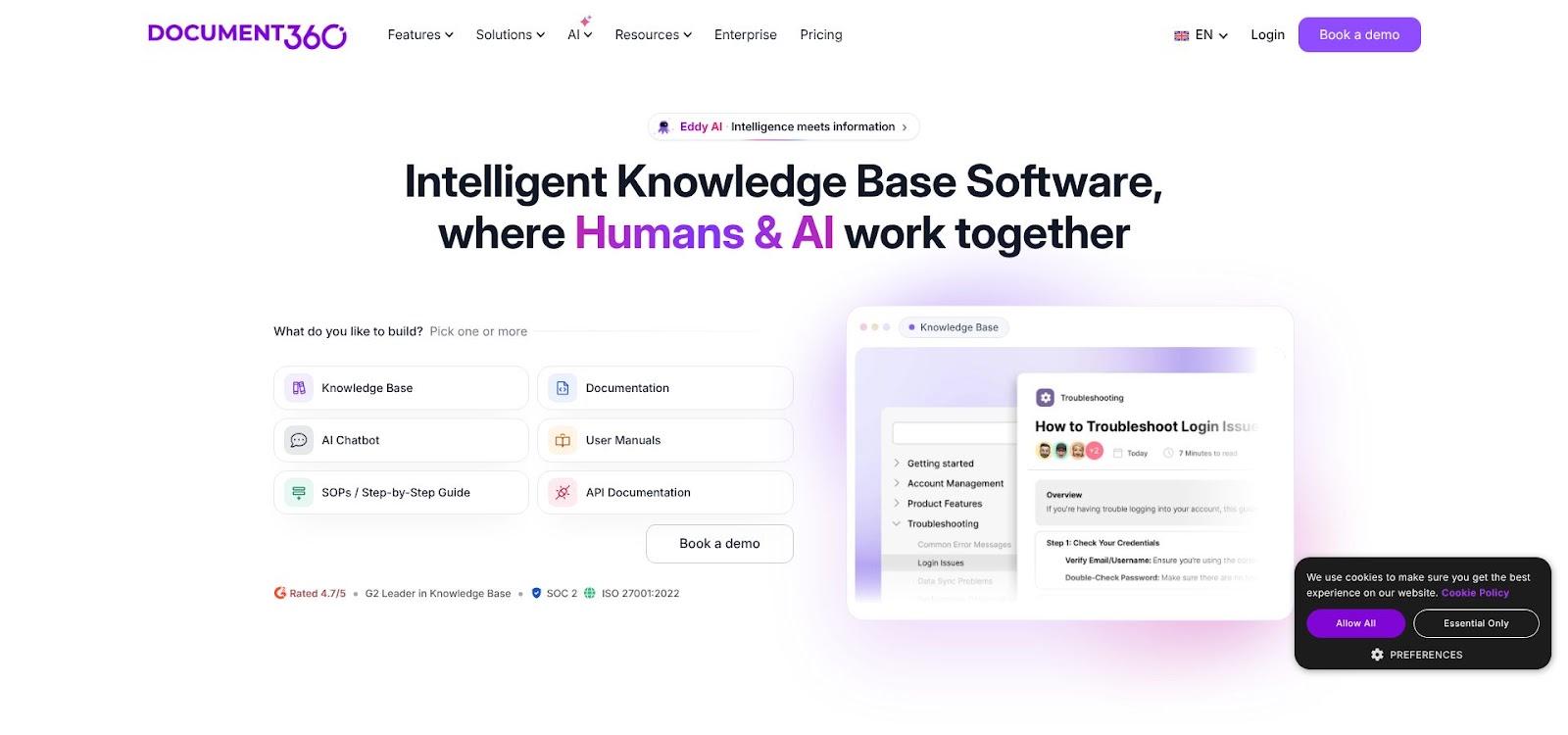
When an article reaches its review date, Document360 moves it to Stale status. Editors see a red marker in the category tree and a Stale badge in the editor, and a reviewer clears it by marking the article as reviewed. Admins can also have the Stale status clear automatically when a new version is published, or restart the review timer when an article is republished.
Trade-off: a Stale article stays live for readers until someone reviews it, so the reminder only works if owners act on it.
4. Bloomfire: Best for Community Knowledge Sharing
Bloomfire is built around shared knowledge. Employees contribute posts, and Bloomfire can require approval before content goes live, with moderators, admins and owners reviewing it.
Its curation engine lets each company set its own review timelines. Contributors and moderators get reminders to review content, and anything confirmed as accurate can be marked with a Current badge in one click. Admins can also update the status of expired content in bulk, and Bloomfire notifies content creators when their content may be out of date.
Trade-off: the review cadence only works if moderators keep up with the reminders, so a busy HR team needs clear curation rules from the start. Bloomfire also offers audit trails, which helps when a policy decision has to be traced later.
5. Microsoft SharePoint: Best for Microsoft 365 Workplaces
For companies already on Microsoft 365, SharePoint is often the default home for policies. Modern pages keep a version history, so HR can compare versions and restore an earlier one. Restoring does not remove the earlier version; SharePoint creates a copy of it and makes that copy the latest version.
With content approval turned on for the Pages library, a page must be approved before it goes live, and approvers can approve or reject without editing. Microsoft recommends Power Automate for building the approval flow.
Trade-off: a handbook in SharePoint means many pages and a navigation plan. Without clear owners, sprawl can replace stale Cards with orphaned pages.
How to Choose the Right Replacement
Switching platforms is the easy part. Rebuilding employee trust takes longer. Score each option from 1 to 5 on these questions:
- Freshness: does the tool detect outdated policies, or only remind someone on a date?
- Ownership: does every policy keep a named owner and a review cycle that survives turnover?
- Answer quality: are answers cited, and does the tool admit when it does not know?
- Permission depth: can you separate public policies from compensation, investigation and accommodation content without workarounds?
- In-workflow access: will employees find answers where they already work, or will the tool become another forgotten tab?
Also check how each option supports writing and maintaining HR policies, not just where the finished document lives. Then test each vendor with real scenarios: a changed leave rule, an outdated onboarding step and a manager-only policy. Watch who gets notified, how long the fix takes and whether employees could have seen the old answer in the meantime. The tool that closes that gap fastest, with a clear owner at every step, is usually the right replacement. Include the people who will own policies in the pilot, not only IT, because they will work with the review process every week.
Conclusion: Making the Switch
Replacing Guru is a chance to fix the habit that let knowledge go stale in the first place. Pick the platform whose governance fits how your HR team actually works. Migrate the highest-risk policies first, give each one a named owner, and set review cycles before launch. Employees will judge the new system by its first wrong answer, so make sure the first answers they get are current.
.png)
%20(1).png)
%20(1).png)
.svg)


.png)
.png)


.png)


